Email remains one of the most important communication tools for businesses. Companies use it to connect with customers, share files, discuss projects, and manage daily operations. As businesses grow, handling these conversations through personal email accounts can become difficult. A professional email platform can provide better structure and control.
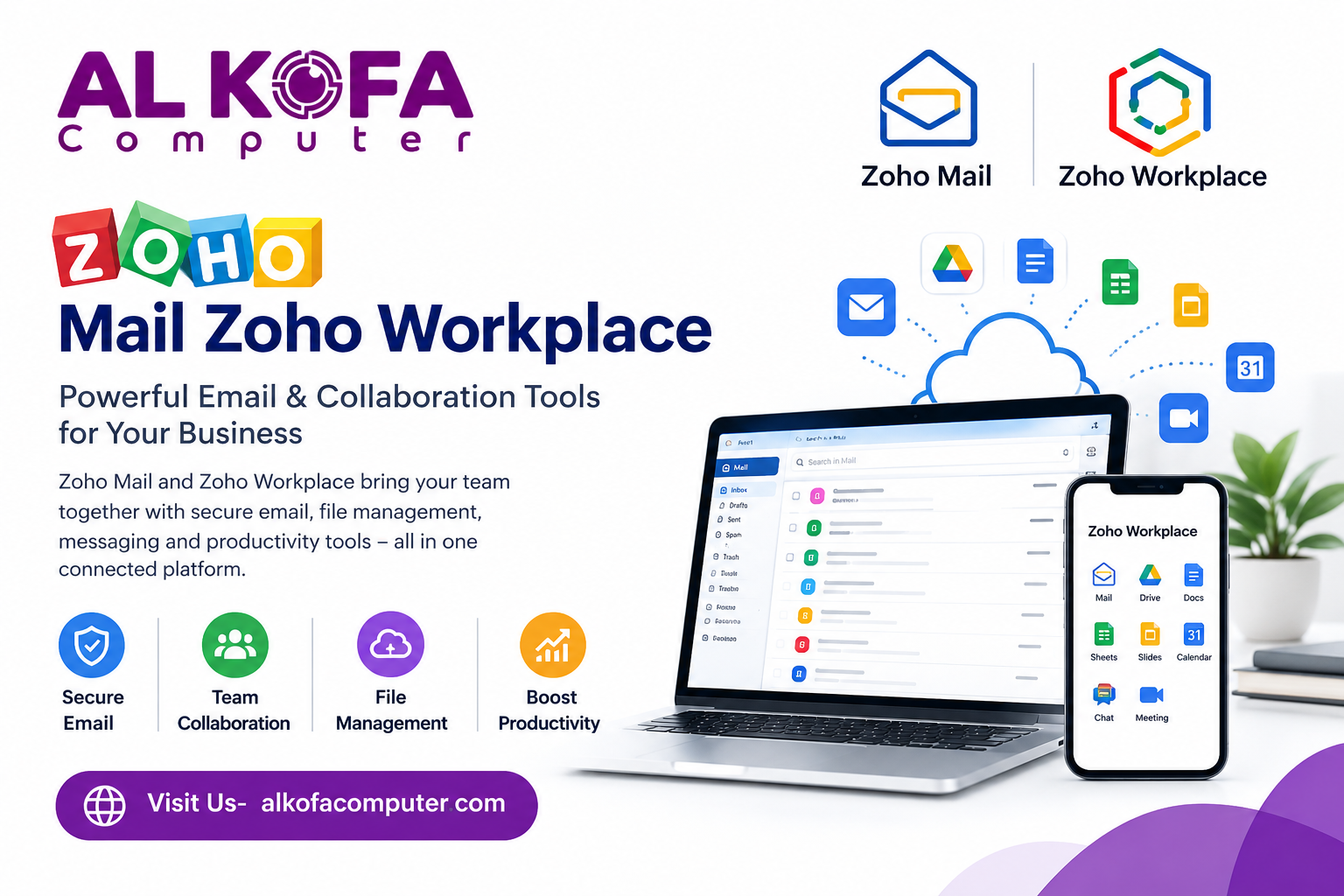
Zoho Mail Zoho Workplace is a business email solution designed to support professional communication. It allows companies to use custom domain email addresses and provides features for managing messages and users. Furthermore, organized email communication can help employees save time and maintain clear conversations. It can also create a more consistent experience for customers and business partners.
Whether you operate a small business or a growing company, a reliable email system can support everyday productivity. In this blog, we will cover how Zoho Mail supports professional communication, email organization, team collaboration, security, customer service, and business growth.
Build a Professional Business Identity
A professional email address can create a more consistent business image. Customers are more likely to recognize messages that come from a company domain. Instead of using generic email addresses, businesses can create addresses based on their own domain.
These addresses can make communication easier to understand. They can also help businesses separate responsibilities between departments. For growing companies, using a consistent email structure can make internal and external communication more organized.
Keep Important Messages Organized
Managing dozens or hundreds of emails can become challenging. Important conversations can easily get lost among routine messages. Zoho Mail Zoho Workplace offer features that can help users organize their inboxes and manage daily email activity.
Create Folders for Different Conversations
Employees can organize messages into folders based on their work. For example, they can separate customer inquiries, project discussions, invoices, and internal communication. This approach makes important information easier to locate later. Businesses can also use Zoho Books accounting software to manage financial activities and keep accounting processes organized as part of their wider business operations.
Reduce Inbox Clutter
A structured inbox can help employees focus on messages that need attention. Users can organize incoming communication instead of allowing every message to remain in one long list. In addition, better organization can reduce the time spent searching for older conversations.
Improve Team Communication
Business communication often involves several people. A project may include managers, employees, clients, vendors, and other partners. A professional email platform can help teams maintain clear communication across these groups.
Employees can use business email to:
- Share project updates
- Send important documents
- Discuss customer requirements
- Confirm meetings and appointments
- Follow up on previous conversations
- Communicate with other departments
Keeping these discussions within a professional email system can help teams maintain useful communication records. Furthermore, employees can access previous messages when they need background information about a project or customer.
Access Business Email Across Devices
Work is no longer limited to a single office computer. Employees may switch between desktops, laptops, tablets, and smartphones during the day. Access to business email across supported devices can help employees stay connected outside the office. This can be useful for remote teams and employees who travel for work.
For example, a sales employee may need to respond to a customer while traveling. A manager may need to review an important message while away from the office. Flexible access allows employees to manage communication without always returning to their main workstation.
Manage Multiple Business Departments
As a company grows, its communication requirements can become more complex. Different teams may need separate email addresses and communication channels.
Businesses can establish dedicated addresses for different functions, such as:
- Human resources
- Sales
- Customer support
- Marketing
- Accounting
- General inquiries
This structure helps customers contact the right team. It can also help employees understand where specific messages belong. A clear email structure becomes especially useful when several employees handle customer communication.
Connect Email With Business Tools
Email is only one part of a company’s daily workflow. Employees may also use calendars, document tools, task applications, and collaboration software. Zoho offers several workplace applications that can work together within its broader business ecosystem.
For companies already using compatible Zoho products, connecting email with other tools can make daily workflows more convenient. For example, businesses can use Zoho Bigin CRM to support customer management and sales activities alongside their regular email communication.
Employees can move between communication and productivity tasks without depending on completely separate systems. This can be useful for teams that manage meetings, projects, documents, and customer communication throughout the day.
Make Customer Communication Easier
Customers expect businesses to respond clearly and professionally. Email is often one of the main channels for handling questions and service requests. A structured business email system can help teams manage these conversations. Employees can use professional email addresses to communicate with customers under a consistent company identity.
Organized messages can also make it easier to review earlier conversations before responding. For customer-facing teams, this can help provide more informed responses. It can also reduce confusion when employees need to refer to previous messages. In addition, tools such as Bigin by Zoho CRM can help businesses organize customer details and follow-ups as part of their broader communication process.
Support Business Growth
A company’s communication needs often change as it expands. More employees may join the team, and different departments may require dedicated email accounts. A business-focused email solution can provide a structured foundation for these changing needs. Businesses can consider their current and future requirements when setting up professional email.
Using tools such as Zoho CRM can also help growing businesses organize customer information and manage sales-related activities alongside their communication processes.
Important factors may include:
- Number of employees
- Required email addresses
- Administrative needs
- Security requirements
- Storage requirements
- Integration with other business tools
- Remote access needs
Considering these factors can help companies build an email system that fits their workflow.
Save Time With Better Email Management
Time is valuable in every business. Employees should not have to spend large portions of their workday searching for messages or managing unnecessary email clutter. An organized email system can simplify routine communication.
Employees can develop consistent habits for sorting messages, responding to customers, and managing ongoing conversations. Furthermore, clear email organization can make it easier for teams to find information when they need it. This can support smoother daily operations.
Final Thoughts
Professional email plays an important role in business communication. It helps companies build a consistent identity, communicate with customers, organize internal conversations, and manage important information. Zoho Mail Zoho Workplace offer business-focused features that can support these needs. From custom domain addresses and inbox organization to security controls and device access, it can help businesses create a structured communication environment.
If you need help choosing and setting up technology solutions for your business, then you can rely on us at AL KOFA Computer. We help businesses find the right computer, software, and IT solutions for their needs. Visit our website now to learn more about our computer and technology solutions.