How to Migrate Business Emails, Folders, Contacts, and Calendars While Preserving Mailbox Data and Minimizing Email Downtime
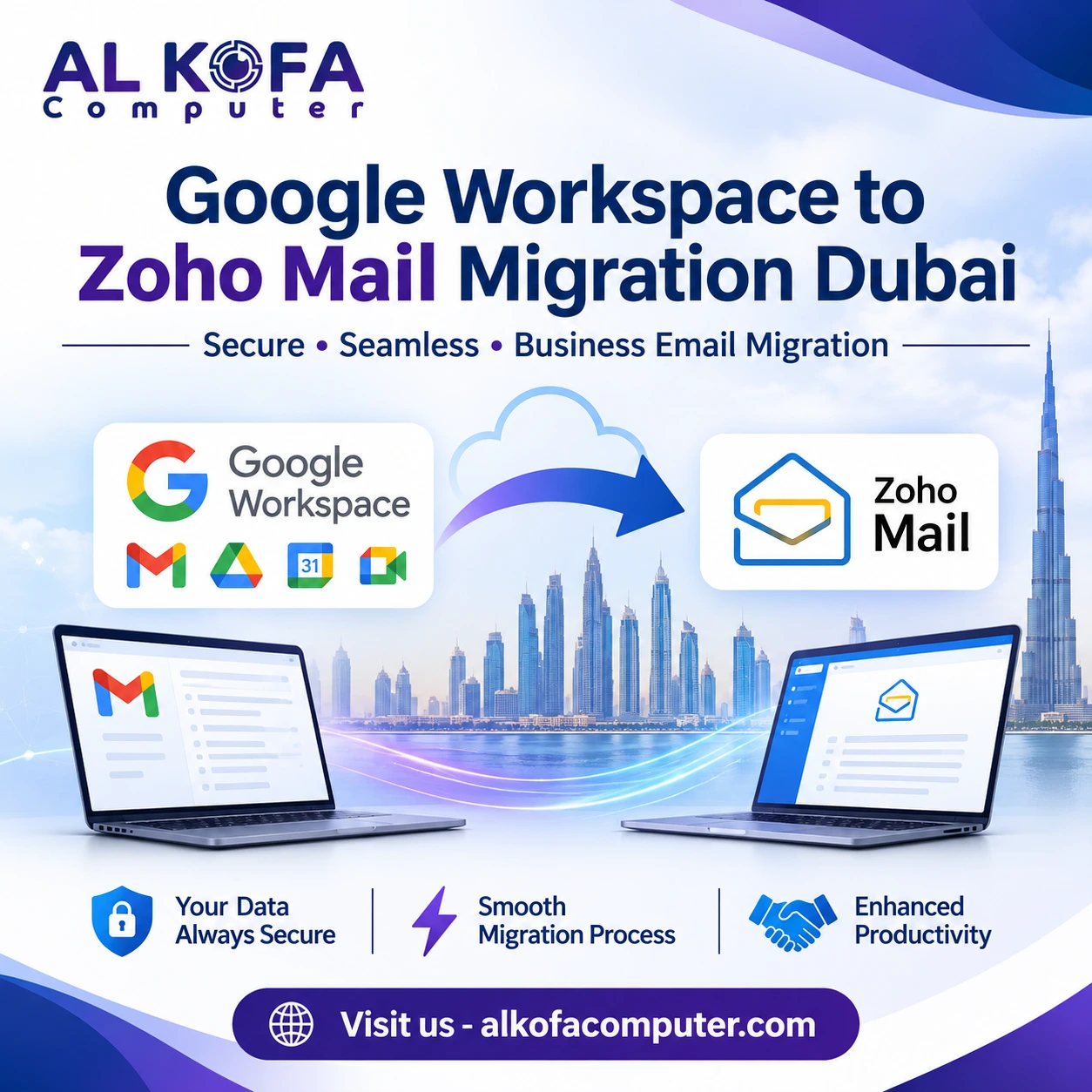
Business email accounts contain more than everyday messages. They hold important conversations, customer information, attachments, contacts, and calendar appointments. Moving this information to another platform requires careful planning to prevent data loss and unnecessary interruptions. Many organizations consider a Google Workspace to Zoho Mail migration Dubai to improve email management, control costs, or access business-friendly features.
However, transferring an entire email environment involves more than copying messages between accounts. It also requires preserving mailbox folders, maintaining contact lists, transferring calendar events, and updating domain settings correctly. A poorly managed migration can disrupt communication and affect daily operations. Therefore, businesses should follow a structured process that protects existing information while keeping employees connected.
This blog explains how to transfer business emails, folders, contacts, and calendars securely while preserving mailbox data and minimizing email downtime.
Review Your Existing Email Environment
Before starting the migration, assess your current Google Workspace setup. This helps identify what needs transferring and prevents important information from being overlooked.
Start by reviewing the following:
- User accounts: List all active email accounts, aliases, and shared mailboxes.
- Mailbox storage: Check mailbox sizes and identify accounts containing large attachments.
- Email folders: Review labels, archived messages, and custom folder structures.
- Contacts: Identify personal contacts, shared contact lists, and distribution groups.
- Calendars: Check recurring meetings, shared calendars, appointments, and invitations.
- Access requirements: Record user permissions and administrative responsibilities.
This assessment also helps determine the migration timeline and suitable transfer method. Businesses with multiple departments may need to prioritize critical accounts and schedule transfers in manageable batches.
Prepare Zoho Mail Before Transferring Data
A successful Zoho Mail migration support in Dubai starts with preparing the destination platform. Create the required Zoho Mail organization and configure its administrative settings before transferring existing mailbox information.
Add employee accounts using the same email addresses wherever possible. This makes it easier for employees and external contacts to continue communicating without learning new addresses.
Next, verify your business domain and review its DNS configuration. You should also configure user roles, mailbox storage, security policies, and email access permissions.
Enable appropriate security measures, including multi-factor authentication and strong password policies. If employees use email applications on desktops or mobile devices, check their compatibility with the new environment.
For larger organizations, a Google Workspace mailbox migration service can help coordinate account preparation, data mapping, and technical configuration. Completing these steps early reduces errors during the actual transfer.
Transfer Emails, Folders, and Attachments
Email migration is often the most important stage because business mailboxes contain years of communication. These records may include customer discussions, contracts, invoices, project updates, and important attachments.
Businesses can use Zoho’s migration tools or supported transfer methods to move mailbox data from Google Workspace. Depending on the migration method, administrators can transfer messages from selected accounts or complete multiple mailboxes in batches.
During this process, pay attention to:
- Inbox and sent messages.
- Archived emails and older conversations.
- Custom folders and message labels.
- Attachments and associated files.
- Email timestamps and sender information.
Organizations planning to migrate Gmail business email to Zoho Mail should verify that the selected method supports their mailbox structure and data requirements.
After transferring the messages, compare the source and destination mailboxes. Check important folders, search for specific conversations, and open sample attachments. These checks help confirm that information remains accessible and correctly organized.
Migrate Contacts and Calendar Information
Emails are only one part of a business communication system. Contacts and calendars are equally important for maintaining customer relationships and coordinating daily activities.
Migrate business email without data loss using a compatible format, such as CSV or vCard, depending on the available import options. Import the files into Zoho Mail or the appropriate Zoho application. Review names, email addresses, phone numbers, and other important fields to identify formatting problems or duplicate entries.
Calendar migration requires similar attention. Export existing calendar events in a supported format, such as ICS, and import them into the destination calendar.
Check the following details after importing:
- Meeting dates, times, and time zones.
- Recurring appointments and reminders.
- Event descriptions and meeting links.
- Shared calendar access and permissions.
- Important business and customer appointments.
Some event permissions and sharing arrangements may require manual configuration. Inform employees about any changes to shared calendars so that scheduled meetings are not missed.
Plan the MX Record Change Carefully
Once mailbox data has been transferred, businesses must direct incoming emails to the new email platform. This involves updating the domain’s Mail Exchange (MX) records.
The Zoho Mail MX cutover and email continuity process should be planned carefully because incorrect DNS settings can interrupt incoming messages.
Before making changes, confirm that all destination mailboxes are ready. Follow Zoho’s published DNS instructions to configure the correct MX records for your domain. Also, review the SPF, DKIM, and DMARC records to support email authentication and deliverability.
Where possible, reduce the DNS time-to-live (TTL) before the planned change. This can help DNS updates propagate faster, although actual propagation times vary between providers.
Choose a low-activity period for the cutover. Monitor incoming and outgoing messages after updating the records. Keep the previous email environment available during the transition so administrators can investigate delayed messages or access historical information if necessary.
Test Email Functionality Before Closing the Migration
Data transfer does not automatically guarantee that everything works correctly. Testing helps identify technical problems before employees fully depend on the new platform.
Send test emails between internal accounts and external addresses. Confirm that messages arrive in the correct inboxes and that replies work as expected.
Test these important functions:
- Sending and receiving business emails.
- Opening attachments and accessing older messages.
- Searching for emails using keywords and sender details.
- Accessing contacts and calendar appointments.
- Using email through browsers and mobile applications.
- Checking spam filtering and authentication settings.
Ask a small group of employees to test the new system before rolling it out company-wide. Their feedback can reveal practical issues involving access, navigation, and missing information.
Maintain a record of completed checks and unresolved issues. This provides administrators with a clear reference during the final handover.
Maintain Business Communication During the Transition
Even a carefully planned migration may involve temporary delays while DNS changes take effect. Businesses should prepare employees and customers to reduce confusion during this period.
A successful Google Workspace to Zoho Mail migration Dubai also depends on keeping employees informed and ensuring that essential business communication continues throughout the transition.
Notify employees about the migration schedule, expected changes, and new login instructions. Provide simple guidance on accessing Zoho Mail through web browsers and mobile devices.
For important customer-facing accounts, monitor incoming messages throughout the transition. Avoid disabling old accounts immediately after the cutover. Keeping them accessible for an agreed period helps administrators identify messages that may have reached the previous environment.
A reliable Zoho Mail email migration for companies should also include a recovery plan, clear responsibilities, and post-migration monitoring. These measures help businesses maintain communication while resolving unexpected issues.
Final Note
Moving business communication to a new platform requires careful planning, accurate data transfer, and thorough testing. From preserving emails and folders to transferring contacts, calendars, and configuring DNS records, every stage plays an important role. A well-organized Google Workspace to Zoho Mail migration Dubai helps businesses protect valuable mailbox information, reduce downtime, and maintain reliable communication throughout the transition. Choosing experienced technical professionals can make the process more manageable, especially for organizations handling multiple accounts and complex email environments.
For businesses seeking dependable assistance, they can rely on us at Al Kofa Computer. We provide IT solutions and technical support to help organizations manage their email migration requirements. Visit our website now to explore our services and get support for a smoother business email transition.