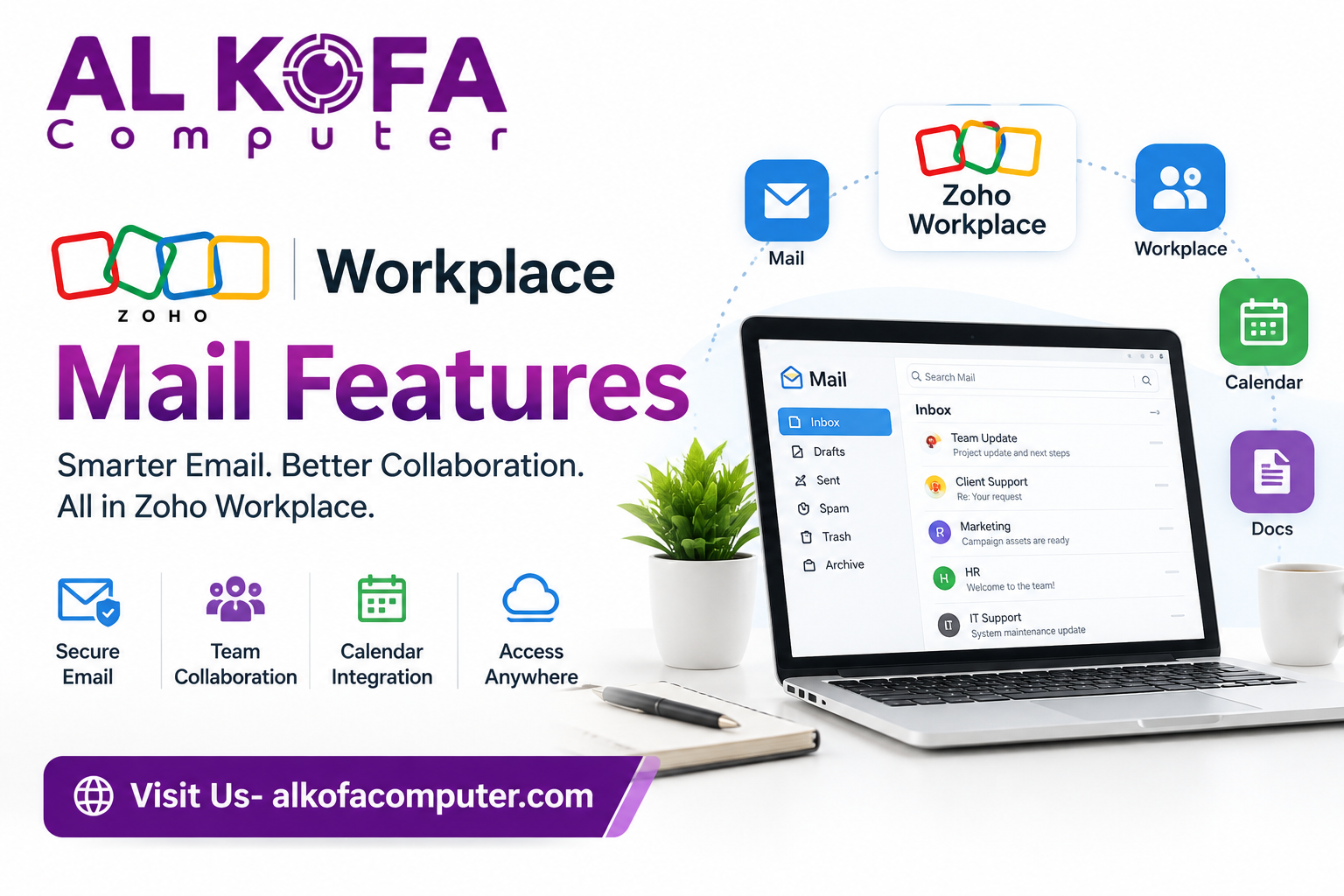
Business communication has changed significantly as teams now work across offices, cities, and time zones. Email remains one of the most important tools for keeping these conversations organized. However, businesses need more than a basic inbox. They need security, collaboration, organization, and productivity in one connected environment. This is where Zoho Workplace Mail features can make everyday communication easier.
Zoho Mail is part of Zoho Workplace, a business-focused suite that combines email with tools such as Calendar, Tasks, Notes, Contacts, and Streams. For growing companies, choosing the right email system can improve how employees communicate and manage daily responsibilities. A well-designed platform can reduce unnecessary switching between applications and help teams stay focused.
Zoho Workplace Mail brings these functions together while offering administrative controls and security features designed for business use. In this blog, we’ll explore Zoho Workplace Mail’s key features, security benefits, collaboration tools, productivity options, and business applications.
Why Businesses Need More Than Basic Email
A business inbox handles more than sending and receiving messages. Employees use email to share documents, schedule meetings, assign tasks, discuss projects, and communicate with customers.
A modern business communication platform should therefore connect these activities instead of keeping them separate. Zoho Mail supports this approach by integrating email with calendars, tasks, notes, contacts, and team collaboration tools.
This connected setup can make daily workflows easier to manage. For example, an email can lead to a task, while a calendar event can be created without leaving the broader workplace environment. Zoho also supports shared drafts, shared folders, group email addresses, and team discussions.
Business Email, Collaboration & Productivity Features
One of the main advantages of Zoho Workplace Mail is how it combines communication with practical workplace tools. Key benefits include:
- Branded business communication: Businesses can use custom domains to create branded email addresses. This helps maintain a consistent identity when communicating with customers, suppliers, and partners.
- Flexible email management: Zoho Mail supports aliases, group addresses, email sharing, and folder delegation. These options can make it easier for teams to manage shared communication.
- Team collaboration: The platform supports workplace collaboration directly within the email environment. Employees can share drafts for review, mention teammates, discuss messages, and use Streams for team interaction.
- Connected workplace tools: Calendar, Tasks, Notes, Contacts, and Bookmarks are integrated with Zoho Mail. Employees can manage schedules, organize responsibilities, save ideas, and access important contacts without constantly switching between applications.
- Improved daily efficiency: These connected email productivity tools can help employees spend less time managing information and more time focusing on important tasks.
Overall, Zoho Workplace Mail brings essential communication and productivity tools together to create a more organized business email experience.
Security Designed for Business Communication
Email security is a major concern for businesses because inboxes often contain sensitive information. Customer details, contracts, financial documents, internal discussions, and business plans may all pass through email.
Zoho Mail provides several security and administration capabilities for organizations. These include encryption, spam filtering, two-factor authentication, authentication standards such as SPF and DKIM, and administrative controls. Zoho also states that its infrastructure follows international standards, including ISO/IEC 27001, SOC 2 Type II, and GDPR requirements.
For organizations looking for secure email hosting, these controls can provide additional protection around business communications.
Zoho also supports advanced security options such as S/MIME and PGP encryption in applicable plans. Administrators can manage users, establish email policies, review audit information, and control access across the organization.
Keeping Business Communication Organized
As companies grow, managing email can become increasingly difficult. Employees may receive hundreds of messages while still needing to find important conversations from weeks or months earlier. Zoho Workplace Mail features provide organizational tools that can make this process easier.
Search and Filters
Users can search for messages using different details, including senders, dates, attachments, and specific words. Filters can also automate certain actions based on predefined conditions. This can help employees sort incoming messages and locate important information faster.
Shared Communication
Shared mailboxes and group addresses can also support team-based communication. For example, a company can create a shared address for customer inquiries rather than directing every message to one individual. This approach can help relevant employees access the same communication and reduce dependence on a single team member.
Supporting Professional Business Communication
A company’s email address often creates the first impression for customers and partners. Using a professional business email with a custom company domain can make communication look more consistent and organized.
Zoho Mail allows organizations to configure custom domains and branded email addresses. It also supports professional signatures, email aliases, and group addresses.
The platform also provides features that can make everyday communication more efficient. Users can share drafts for review, recall sent emails, create automated vacation replies, and manage email workflows through filters and other controls.
These functions become more valuable when several employees work together on customer-facing communication.
Zoho Workplace Mail and Everyday Productivity
Email plays a central role in daily business tasks. Zoho Workplace Mail brings useful tools together to help employees stay organized and connected.
- Calendar: Manage meetings, events, and appointments.
- Tasks: Create and track important responsibilities.
- Notes: Save ideas, reminders, and useful information.
- Contacts: Keep business contacts organized and accessible.
- Mobile access: Stay connected while working away from the office.
- Offline access: Read emails and prepare replies when an internet connection is unavailable.
For remote and hybrid teams, these Zoho Workplace Mail features can make daily communication more flexible and organized. By bringing essential workplace tools into one environment, Zoho Workplace Mail can help employees manage communication and tasks more efficiently.
Administration and Scalability
Business email hosting should also be manageable from an administrative perspective. Zoho Mail provides an admin console where organizations can manage users, groups, security settings, policies, and other email controls.
Businesses can also migrate existing emails, contacts, and calendars from other providers. Zoho supports migration from services such as Microsoft 365, Google Workspace, and other IMAP or POP servers.
This can make the transition easier for organizations that want to change their current email environment without losing important business information.
Conclusion
Choosing a workplace email solution is about more than selecting an inbox. Businesses need a system that supports communication, security, collaboration, organization, and everyday productivity. The Zoho Workplace Mail features can help teams manage email, calendars, tasks, notes, contacts, and collaboration from a connected workplace environment. Its security controls, custom-domain support, administration tools, and collaboration capabilities can also support the needs of growing organizations.
For businesses looking to implement or manage Zoho Workplace Mail effectively, they can seek help from us at Al Kofa Computer. We can provide professional technology support and guidance. Visit our website now to learn more about our business technology solutions.