Managing business finances becomes more challenging as sales, expenses, and transactions increase. Relying on spreadsheets or manual records can take valuable time and may increase the risk of errors. A reliable accounting system can make everyday financial tasks more organized and efficient.
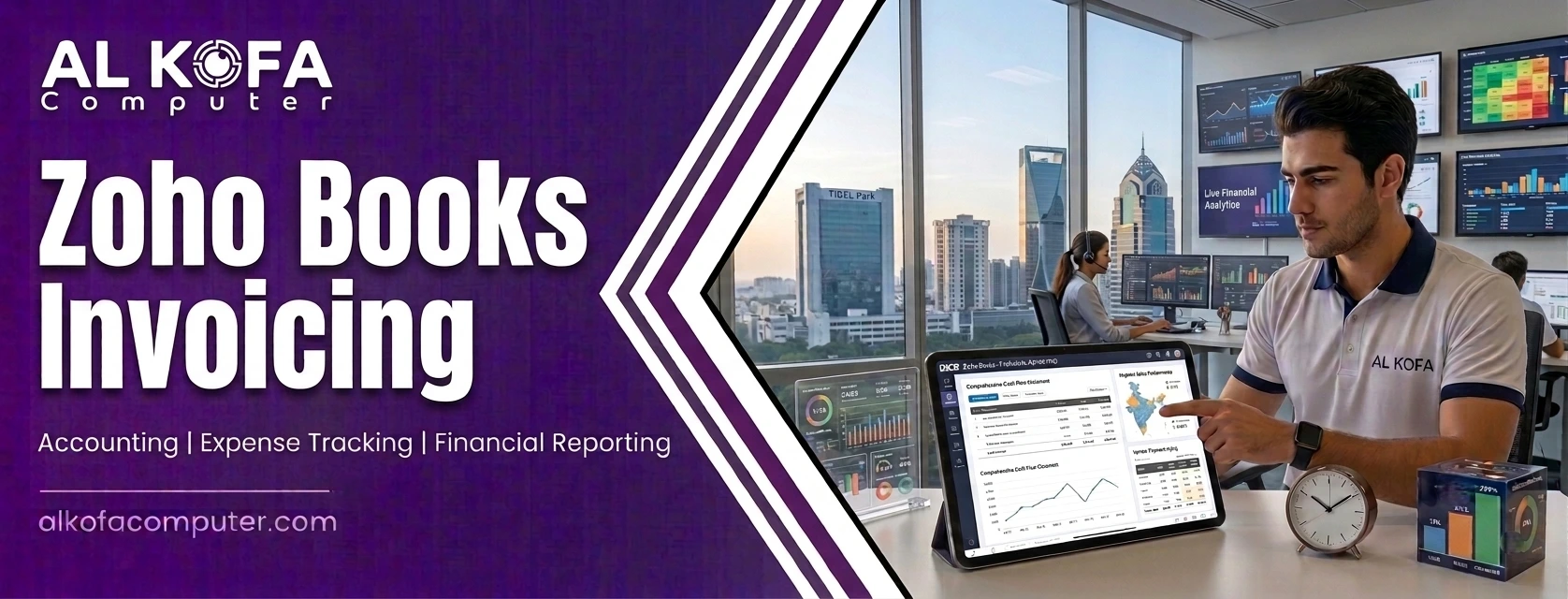
Zoho Books offers businesses a practical way to manage accounting activities from one central platform. It can help with invoicing, expense tracking, payments, tax records, and financial reporting. For businesses handling VAT, maintaining accurate transaction records is especially important. Zoho Books invoicing can help create professional invoices while keeping billing information properly recorded.
The platform can also give business owners better visibility into their financial activities and outstanding payments. With organized records and streamlined workflows, businesses can spend less time on routine accounting tasks and focus more on daily operations, customer relationships, and long-term growth. In this blog, we will look at how Zoho Books can support efficient and VAT-compliant business accounting.
Understanding VAT-Compliant Business Accounting
VAT-compliant accounting starts with accurate transaction records. Businesses need to record sales, purchases, taxes, payments, and adjustments correctly. They also need documentation that can support tax calculations and reporting obligations.
Zoho Books can organize these activities within a centralized accounting environment. Businesses can configure tax details according to applicable requirements and apply them to relevant transactions. Proper setup remains important because VAT rules vary by country and business type.
A good accounting system should make transactions easy to trace. When invoices, expenses, payments, and supporting records are connected, businesses can review financial activity without searching through multiple files. This can reduce administrative errors and make reconciliation more manageable.
Managing Invoicing, Expenses & Financial Reporting
Effective financial management depends on keeping everyday transactions accurate and well organized. Businesses need clear records to understand their income, control spending, and maintain healthy cash flow. When accounting tasks are handled through a structured system, it becomes easier to manage financial information and reduce manual work. This is where accounting software can make a practical difference.
Creating and Managing Invoices
Invoicing is a core accounting function. Zoho Books can help users create invoices, set payment terms, record customer payments, and monitor outstanding balances. Automated reminders can support consistent payment follow-ups.
Businesses can use Zoho Books invoicing to standardize billing information and keep sales records organized. Consistent invoice details can make transaction reviews easier and provide useful documentation for tax reporting.
Tracking Business Expenses
Expense tracking is just as essential for keeping business financial records accurate and well organised. With Zoho Books expense management, businesses can record operating costs, categorize transactions, and improve visibility into spending.
Accurate expense records support financial statements and help business owners understand where their money is going. Regular expense tracking can also make it easier to identify unnecessary costs and manage budgets effectively.
Reviewing Financial Reports
Financial reporting brings accounting records together in a useful format. Zoho Books financial reports can provide insights into income, expenses, receivables, payables, and overall business performance.
Regularly reviewing these reports can help owners identify financial trends, monitor cash flow, and make informed business decisions. Clear reports can also support better planning and preparation for tax-related requirements.
Supporting VAT Tracking and Tax Records
Businesses dealing with VAT need reliable records of taxable sales and purchases. Zoho Books VAT features can help businesses manage tax information within accounting workflows. Users can apply relevant tax rates to transactions and maintain records that support reporting.
However, businesses should still seek professional tax advice to ensure they meet all applicable VAT requirements. VAT requirements can differ by location, turnover, industry, registration status, and transaction type. Businesses should confirm their setup against the rules that apply to them.
Clear records can simplify internal checks. Reviewing invoices, expenses, and tax amounts regularly may help businesses identify missing information or incorrect entries before preparing a VAT return.
Inventory and Purchase Management
Businesses that sell physical products need accurate inventory records. Zoho Books inventory management can help users monitor stock quantities, organize products, and connect inventory activity with sales and purchasing processes.
Better inventory visibility can help avoid shortages or excess stock. It can also support purchasing decisions by showing which products move quickly and which remain in storage.
Inventory records should align with accounting records. When sales and purchases are recorded consistently, businesses gain a clearer picture of revenue, costs, and stock activity. Regular reconciliation is still important.
Benefits of Cloud-Based Accounting
Cloud accounting software can make financial management more flexible and accessible. Instead of relying on files stored on individual computers, businesses can manage accounting information through a central online platform.
Key benefits include:
- Easy access: Business owners and finance teams can access financial information from supported devices.
- Better collaboration: Teams can work with the same financial records, even when working from different locations.
- Centralized records: Important accounting information can be stored in one organized system.
- Less manual work: Digital workflows can reduce repetitive accounting tasks and save valuable time.
- Improved flexibility: Businesses can manage routine accounting activities without depending entirely on a single office computer.
Security is also important when using online accounting systems. Businesses should use strong passwords, assign appropriate user permissions, and follow recommended security practices.
Improving Everyday Bookkeeping
Good bookkeeping depends on accurate and consistent record-keeping. Even reliable bookkeeping software requires businesses to follow organized processes and review their financial information regularly.
Businesses can improve everyday bookkeeping by:
- Recording transactions regularly: Enter invoices, expenses, payments, purchases, and adjustments without unnecessary delays.
- Reconciling accounts: Compare accounting records with bank transactions to identify possible discrepancies.
- Reviewing outstanding payments: Check overdue invoices and unpaid bills regularly to maintain better cash-flow visibility.
- Organizing financial records: Keep invoices, receipts, and other supporting documents properly arranged.
- Using automation: Automated workflows can reduce repetitive tasks and make routine accounting processes more efficient.
- Reviewing reports: Check important financial entries and reports regularly to identify errors or unusual transactions.
These simple practices can help businesses maintain cleaner records and make everyday financial management more efficient.
Preparing Better Financial Reports
Financial reports are valuable when they support business decisions. Owners can use income statements to assess profitability, balance sheets to understand financial position, and cash-flow information to monitor liquidity.
Regular reporting can reveal changes in revenue, expenses, margins, receivables, and other important areas. Comparing reports across periods can help businesses identify patterns and plan budgets.
Best Practices for Using Zoho Books
Using Zoho Books invoicing software effectively requires more than simply entering financial data. Businesses should follow consistent processes to keep their records accurate, secure, and easy to review. A few simple practices can also help teams get greater value from their accounting system.
Set Up Business Details Correctly
Start by entering accurate business details, tax settings, customers, vendors, products, and payment terms. A proper setup creates a strong foundation for organized and accurate accounting.
Record Transactions Regularly
Establish a consistent schedule for recording invoices, expenses, payments, and purchases. Regular updates make it easier to spot errors and keep financial records current.
Manage User Permissions
Review user access and give employees only the permissions they need for their roles. Regular security checks can help protect sensitive financial information and support responsible system usage.
Keep Supporting Documents Organized
Store invoices, receipts, purchase records, and payment information properly. Businesses should retain these documents according to applicable legal and tax requirements. Good documentation improves transparency and makes financial reviews easier.
End Notes
For businesses seeking structured, VAT-aware accounting workflows, Zoho Books can bring invoicing, expenses, inventory, tax records, and reporting into one connected environment. Its tools can reduce repetitive administrative work while giving businesses clearer visibility into financial activity. Zoho Books invoicing can support organized billing, while centralized records can make routine reviews and reporting easier.
For businesses that want help selecting and implementing suitable accounting technology, they can trust us at Al Kofa Computer. We offer services including Zoho implementation, IT support, cybersecurity, networking, and business applications. Visit our website now to explore our services and learn more about solutions that can support efficient business accounting.